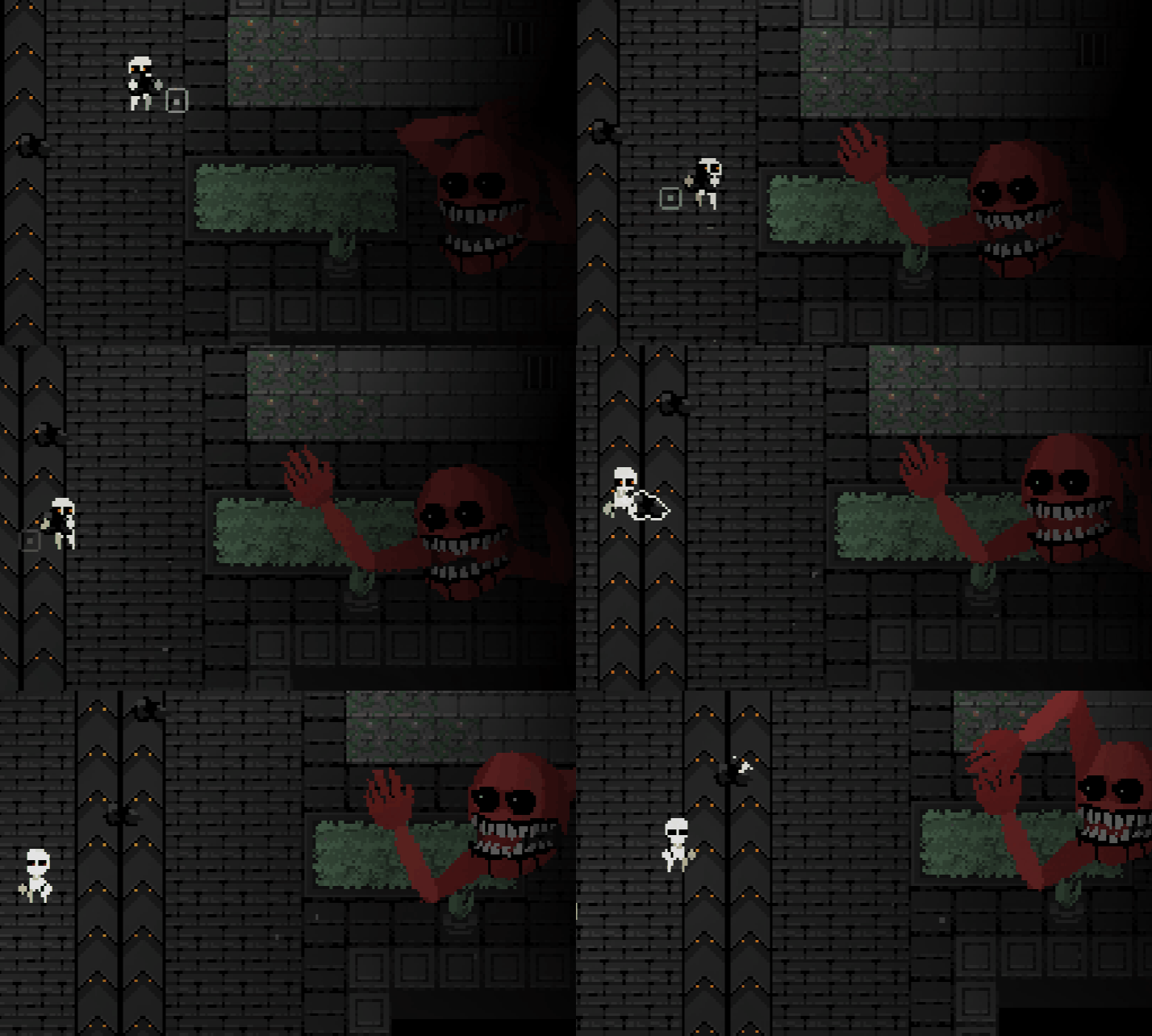
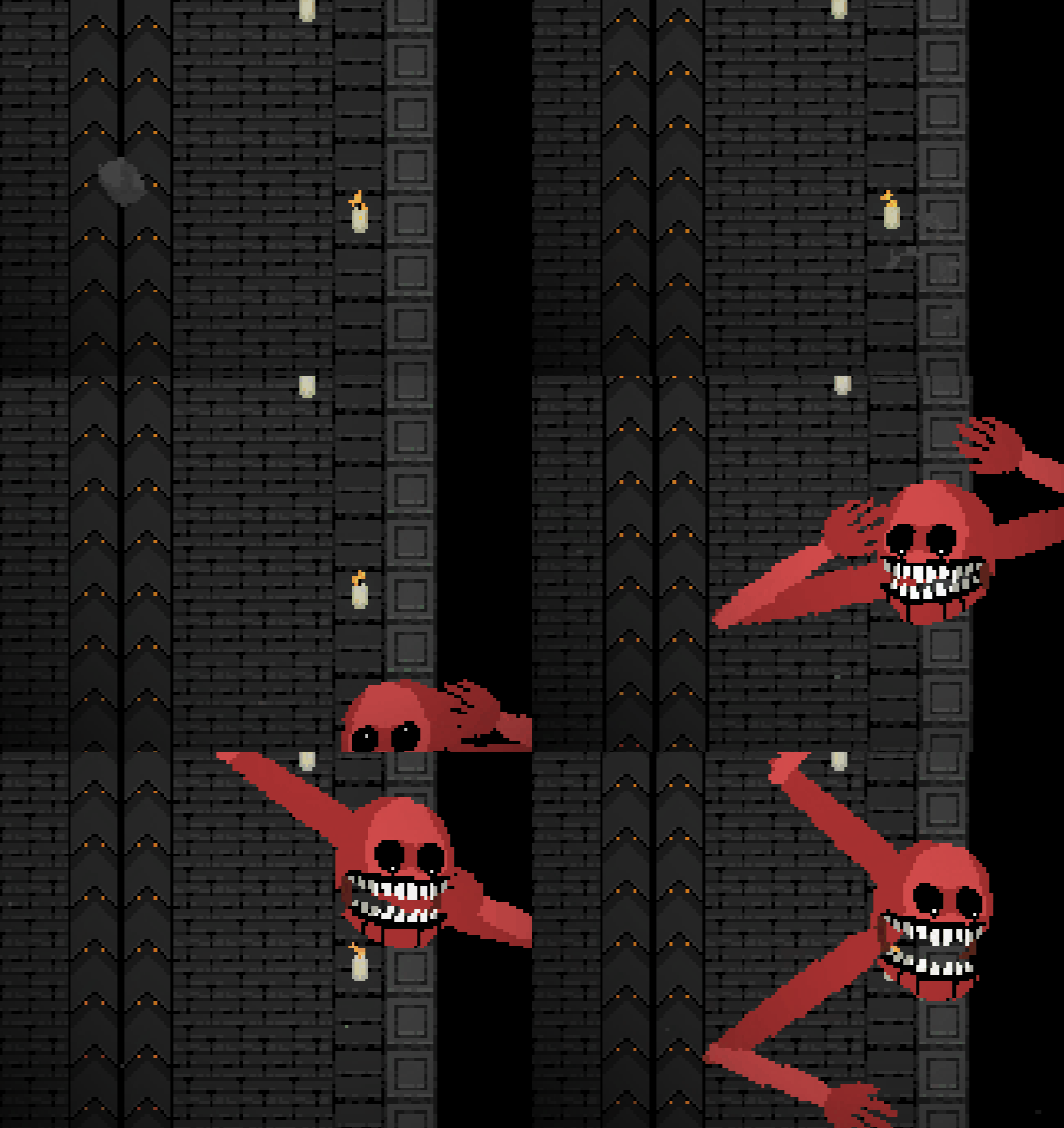
Try browser play
The web version avoids local runtime issues and is the fastest way to confirm the game works.
Windows help
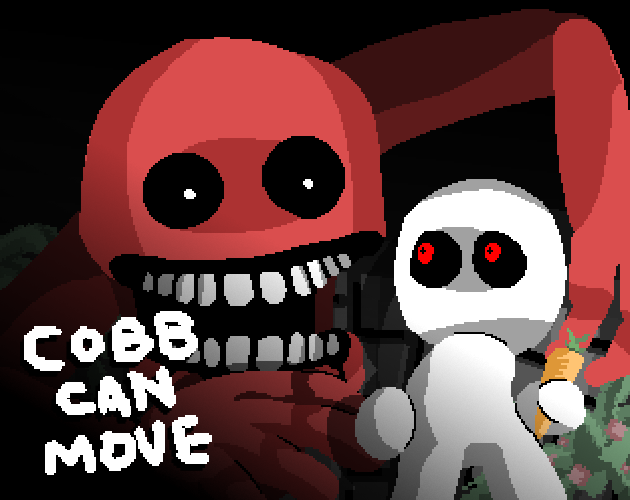
Cobb Can Move WebView2 searches usually come from players who downloaded the Windows build, saw a white screen, or wanted to know what the current official file means.
Troubleshooting
| Problem | Likely reason | Safe next step |
|---|---|---|
| White screen after launch | WebView2 runtime, blocked local files, or graphics/browser component issue | Install or repair Microsoft Edge WebView2 Runtime, then retry the official build. |
| Download confusion | The official file name references WebView2 rather than a normal installer | Use the official itch.io listing and avoid mirrors that rename the build. |
| Iframe stays black | Browser privacy tools or network filters may block the embedded build | Use the official itch.io page or try another browser. |
| Wrong APK result | Search engines may mix unrelated Android files into the query | Use the APK safety page instead of downloading random files. |
Safe fallback
The web version avoids local runtime issues and is the fastest way to confirm the game works.
Only trust the developer itch.io page for current Windows builds and version notes.
A renamed WebView2 zip from a third-party mirror may be outdated or modified.
Windows troubleshooting depth
The Windows runtime keyword became useful because the current official download name references WebView2. Many players do not know whether that means a browser wrapper, a runtime requirement, or a special installer. A good troubleshooting page should answer that confusion without turning into a fake download page. The safest answer is to verify the official file on itch.io, explain possible runtime issues, and offer browser play as a fallback.
When a player searches for the WebView2 build, they may already have a problem. They may see a white screen, a blank window, a blocked launch, or a file name that looks unfamiliar. That intent is different from a normal download query. The page should therefore prioritize troubleshooting: confirm the file source, check Microsoft Edge WebView2 Runtime, retry the official build, try the browser version, and avoid renamed mirrors.
A white screen does not automatically mean the game is broken. WebView2-based packages depend on local rendering support and runtime components. Browser privacy software, graphics drivers, blocked local files, or missing runtime pieces can all affect a packaged web build. The page should give cautious, practical steps without inventing technical guarantees. If the local build fails, the browser version is still a useful way to confirm that the game itself works.
The Windows help page should also protect users from bad mirrors. Search results around Windows builds often attract repacked files with changed names, bundled installers, or extra ads. The safest recommendation is official itch.io first, browser fallback second, and no third-party file unless the developer links it. This matches the same safety principle used on the APK page.
The WebView2 page should link to download, where-to-play, APK, and mobile pages because those visitors often move between platform questions. A Windows player may also want no-download browser play. An Android player may confuse WebView2 with APK. A browser player may hit a black iframe and need a fallback. Keeping these pages connected helps visitors solve the actual access problem.
Over time, this page should be updated when the official Windows package name changes. If the developer switches away from WebView2, adds an installer, or publishes a store page, the content should change immediately. Until then, it should remain a troubleshooting and trust page, not a download mirror.
FAQ
It refers to the official Windows build name currently listed on the developer itch.io page.
A white screen can happen when WebView2 runtime or local rendering support is missing or blocked.
No. Use the official itch.io listing and browser fallback first.
Official source
CobbCanMove.top is an independent play and guide site. For the developer listing, credits, devlog, and official download, use abho's itch.io page.